Why the remote matters more than most people think
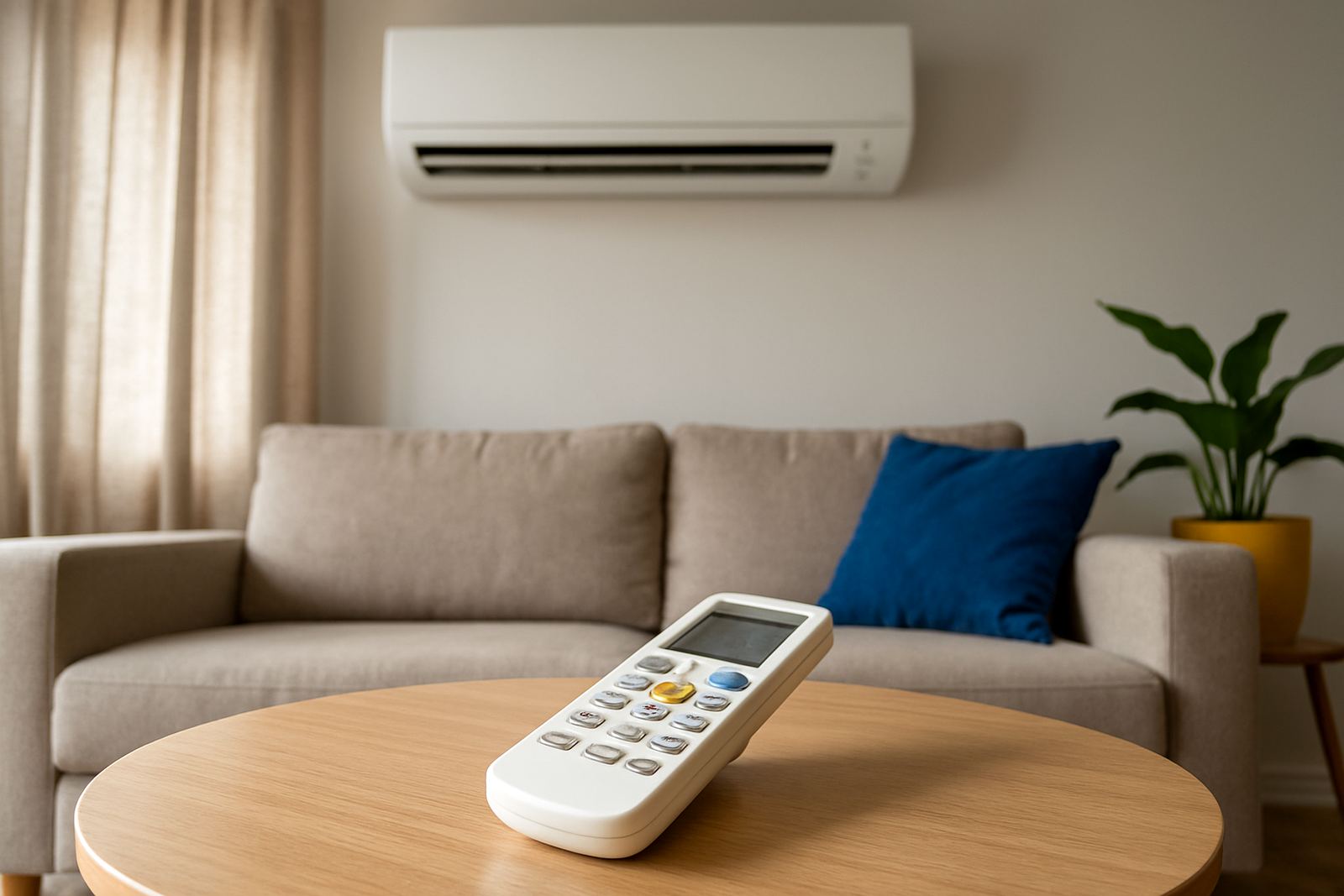
The remote is not just for switching the unit on and off. It tells the air-conditioner how to run, how hard to work and what kind of comfort you want in the room. If you know what each setting does, you can use less power, avoid overcooling and stop the system from running flat out when it does not need to.
That matters in places like Mbombela, Hazyview and White River where the heat and humidity can change quickly during the day. It also matters in Klerksdorp, Potchefstroom and Rustenburg, where people often want cooling in the afternoon but do not want the room to feel cold and dry by night.
- Choose a mode based on the room condition, not just the temperature outside.
- Use the fan speed and swing settings to move air properly through the space.
- Keep the remote clean and the batteries fresh so the settings register properly.
Cooling mode: when you want the room to drop in temperature
Cooling mode is the setting most people use first. It tells the unit to remove heat from the room and blow out cooler air until the set temperature is reached. This is the setting to use in an office in Mbombela at lunchtime, a bedroom in Hazyview after a hot day, or a lounge in Rustenburg when the afternoon sun has been pushing through the windows.
A good rule is to set the temperature somewhere comfortable, not icy. If you drop the remote too low, the unit works harder for no real gain and the room can feel unpleasant. Many people are happier around 22 to 24 degrees C in summer, depending on the size of the room and how many people are inside.
- Use cooling mode when the room is warm and stuffy.
- Close windows and doors before switching the unit on.
- Give the system time to settle. It does not cool a room instantly.
Fan mode: moving air without making the unit cool
Fan mode runs the indoor fan only. It moves air around the room but does not actively cool it. This is handy when the room already feels cool enough and you just want air movement. It can also help when you have had the unit on cooling and want to keep air circulating without using as much power.
In a meeting room in Potchefstroom, for example, fan mode can help shift air when the room is full of people but the temperature is still fair. On a mild evening in White River, fan mode may be enough if you only want a bit of movement after cooking or during load-shedding recovery when you are trying to conserve power.
- Use fan mode for air circulation, not for lowering room temperature.
- It is useful between cooling periods when you want a lighter feel in the room.
- Fan mode can help reduce the stale air feeling in closed rooms.
Dry mode: useful for sticky humidity and damp rooms
Dry mode is often misunderstood. It is not full cooling and it is not just another fan setting. Dry mode helps remove some moisture from the air, which can make a room feel more comfortable when the air is sticky and heavy. This is useful in the Lowveld, especially during damp spells in Mbombela, Hazyview and White River.
It can also help in rooms that hold moisture, such as a small office with closed windows or a bedroom that feels clammy after rain. Dry mode is not meant to freeze the room. It works best when you want to reduce that wet, close feeling without pushing the temperature down too far.
- Try dry mode on humid days when the room feels muggy, not only hot.
- It is often a better choice than cooling if you want comfort without over-chilling.
- If the room still feels damp, check for poor ventilation or a drainage issue.
Swing and fan speed: small buttons with a big effect
Swing controls the direction of the air. On many remotes, it makes the louvers move up and down so the cooled air spreads more evenly. Fan speed changes how fast the indoor fan blows. These two settings can make a big difference, especially in larger rooms, open-plan living areas or small offices where the air needs to travel further.
If you point the air straight at one person, the room may feel cold in one spot and warm everywhere else. If you use swing properly, the air mixes better. In Klerksdorp and Rustenburg, where many spaces have tiled floors and strong sun exposure, good air movement helps the room feel balanced instead of patchy.
- Use swing to spread air across the room instead of blasting one area.
- Use a lower fan speed for quieter operation, higher speed for quicker air movement.
- Do not block the indoor unit with curtains, shelves or tall cabinets.
A local example from Mbombela: getting the setting right saves time
A common call in Mbombela is from a home office that feels hot in the afternoon and damp after summer rain. The owner may set the remote to the coldest temperature and leave it there, then wonder why the room still feels uncomfortable. In many cases the better fix is simple: start in cooling mode at a moderate temperature, use swing to move the air, and switch to dry mode when the air feels sticky rather than hot.
That small change can make the room feel better and put less strain on the unit. It also helps if the filters are clean, the doors close properly and the installation allows enough air around the indoor and outdoor units. If the system is short cycling or not responding to the remote, the issue may be batteries, settings, wiring or service needs.
- Start with the room condition, then choose the mode.
- Check batteries before you assume the unit has a fault.
- If the aircon keeps tripping, leaking or not responding, it needs a proper fault finding visit.
When a remote setting issue is really an installation or service problem
If the unit is not cooling properly, changing modes on the remote will not fix everything. A poorly sized system, dirty filters, blocked airflow, low gas or a drainage issue can all make the remote seem useless. In some cases the display works fine but the indoor unit does not respond because the sensor, receiver or control board needs attention.
That is why site assessments, commissioning and scheduled servicing matter. A good install and proper setup help the remote settings do their job. For homes and businesses in Mbombela, Klerksdorp, Potchefstroom, Rustenburg, Hazyview and White River, regular cleaning and checks also help the system cope with dust, humidity and power interruptions.
If you are unsure which setting to use, or the unit does not behave as expected, it is better to have it checked early than to keep running it incorrectly for weeks.